
Email Scam Checker Installed!
1 Open Your Email. Go to Gmail, Outlook, Yahoo Mail, or Proton Mail. The extension works automatically — no setup needed.
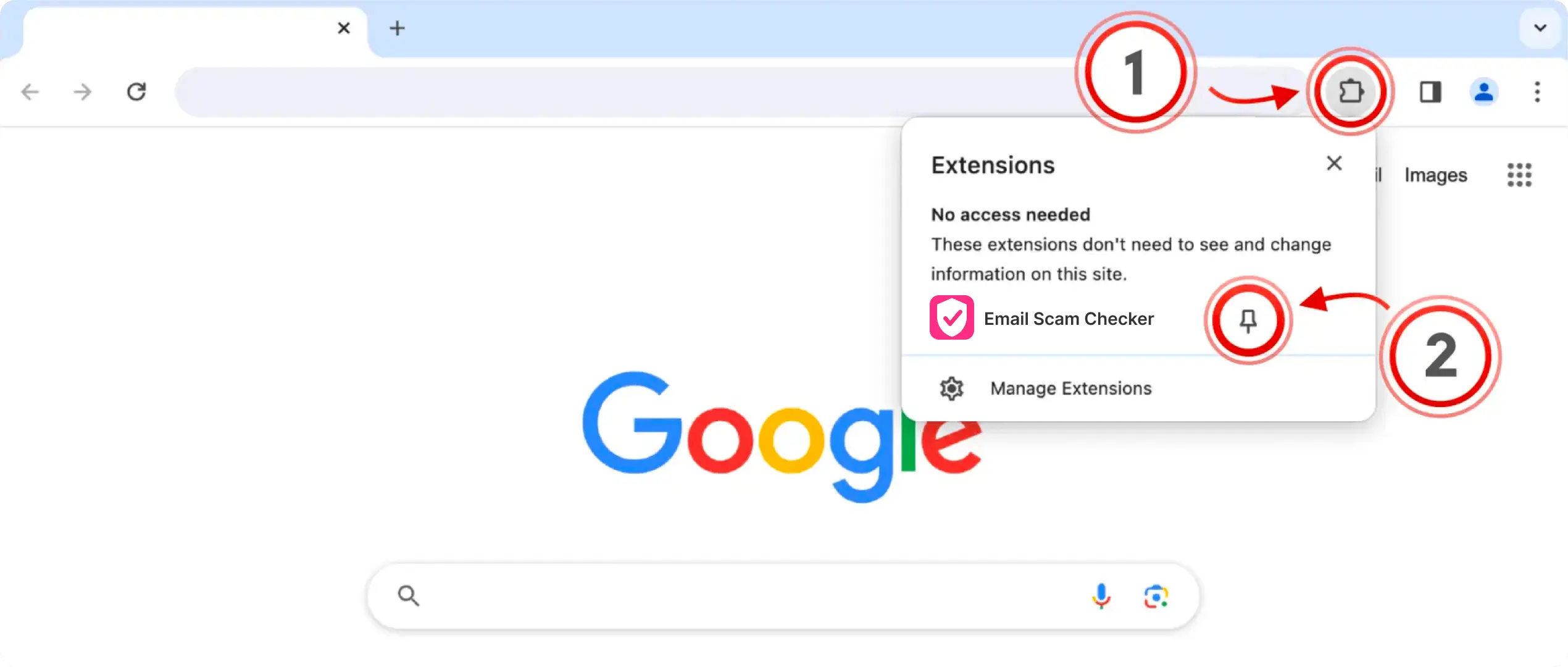
2 Look for the Shield.
A color-coded badge appears on every email:  Safe
Safe
 Suspicious
 Scam
Scam
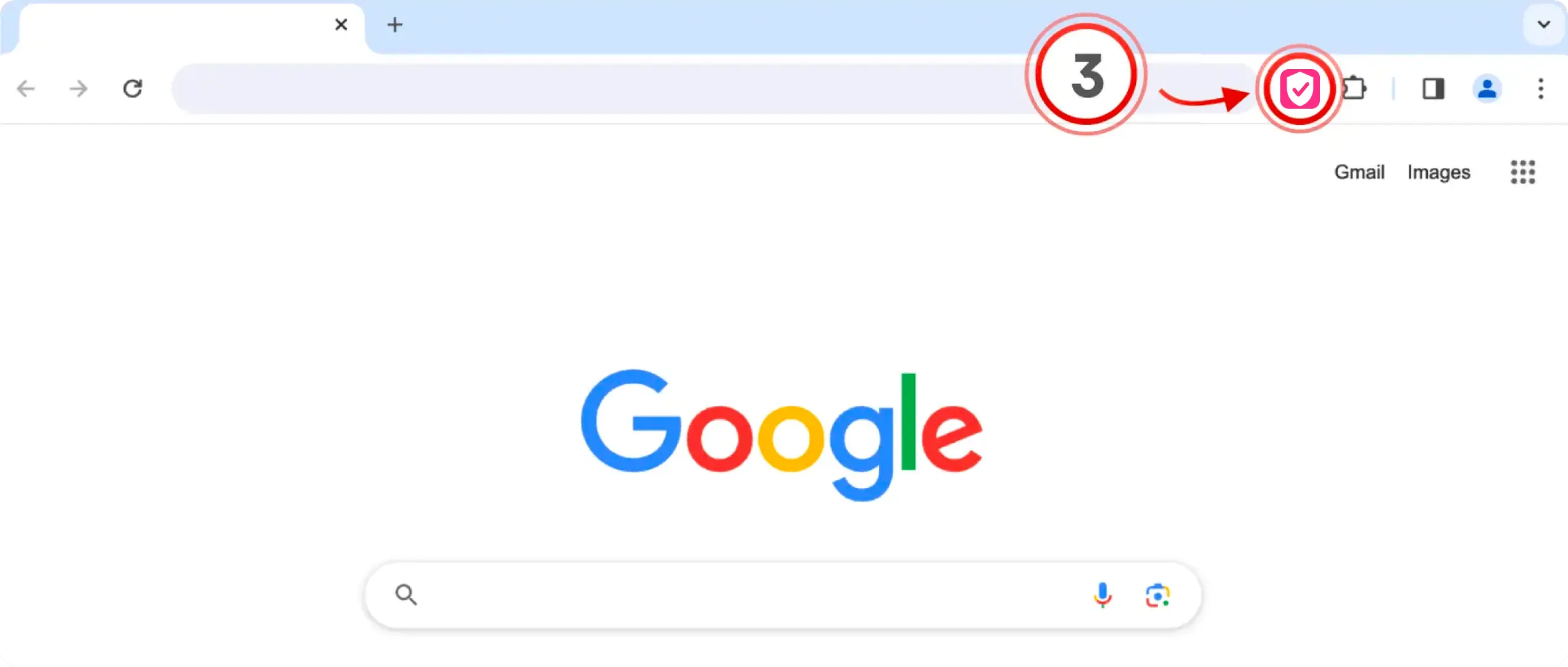
3 Click to See Details. Tap the badge to open a full report — heuristic checks, AI deep scan, and specific findings.
4 Stay Protected. That's it. Every email you open is scanned automatically. 100% private — no data leaves your browser.
Rate us on Chrome Web Store